Take back your attention.
Deadbolt locks the apps that steal your day, and keeps them shut until you're done. Not a nudge you can swipe away. A deadbolt.

iPhone · no account · nothing leaves your device




The loop
You didn't open Instagram for forty-five minutes.
You opened it for one.
Then another. And another.
This session
unplanned
1 min
Deadbolt breaks the loop.
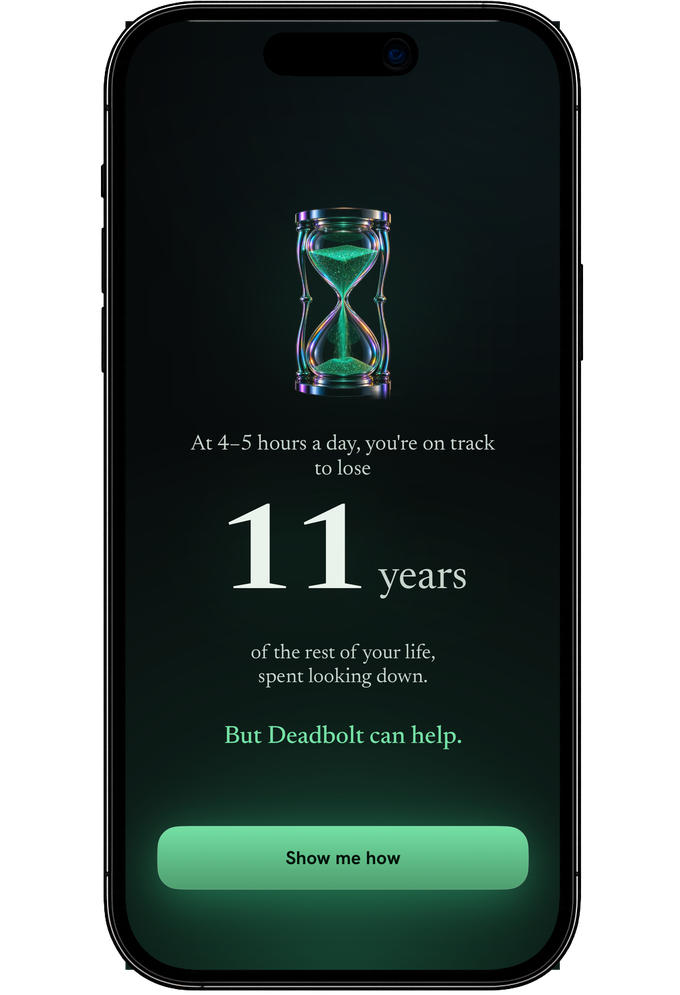
Four to five hours a day is normal now. Deadbolt starts by showing you what that costs — then removes the option.
Most blockers are one tap to escape.
Deadbolt makes distraction harder.
Other blockers
Tap "ignore." Delete the app. Turn it off in Settings. Back in ten seconds.
Deadbolt Strict Mode
No instant exit. Leaving early costs you real friction — or 200 real steps.
Why Deadbolt?
How Deadbolt compares to the two things most people try first.
Feature sets in other apps change often, so we compare categories rather than guess. Head-to-head write-ups live in Compare.
Choose it. Bolt it. Forget it.
01
Pick your distractions
Choose the apps and sites that eat your day. Save them as a blocklist you reuse.
02
Set a duration
Spin the dial — thirty minutes, three hours, overnight. Or let a schedule do it for you.
03
Bolt it shut
The apps disappear from your phone until time's up. No negotiating with yourself.
Bolt it
One dial. One tap.
Gone.
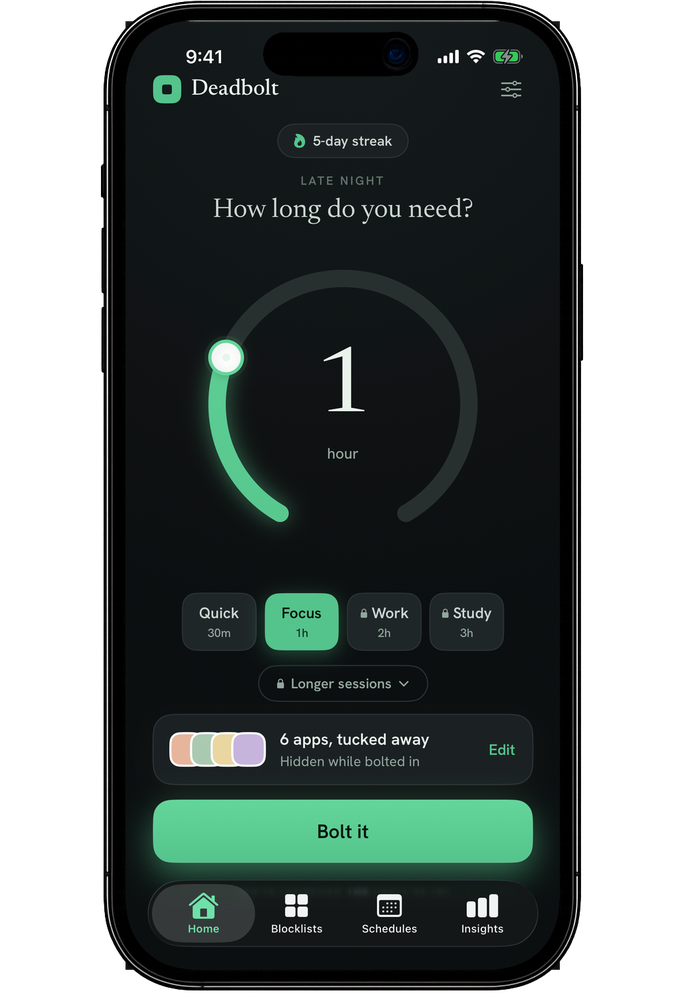
Presets for the sessions you run every day, a dial for everything else. Your blocked apps vanish from the Home Screen while the bolt is thrown.
Strict Mode
Make your rules harder to break.
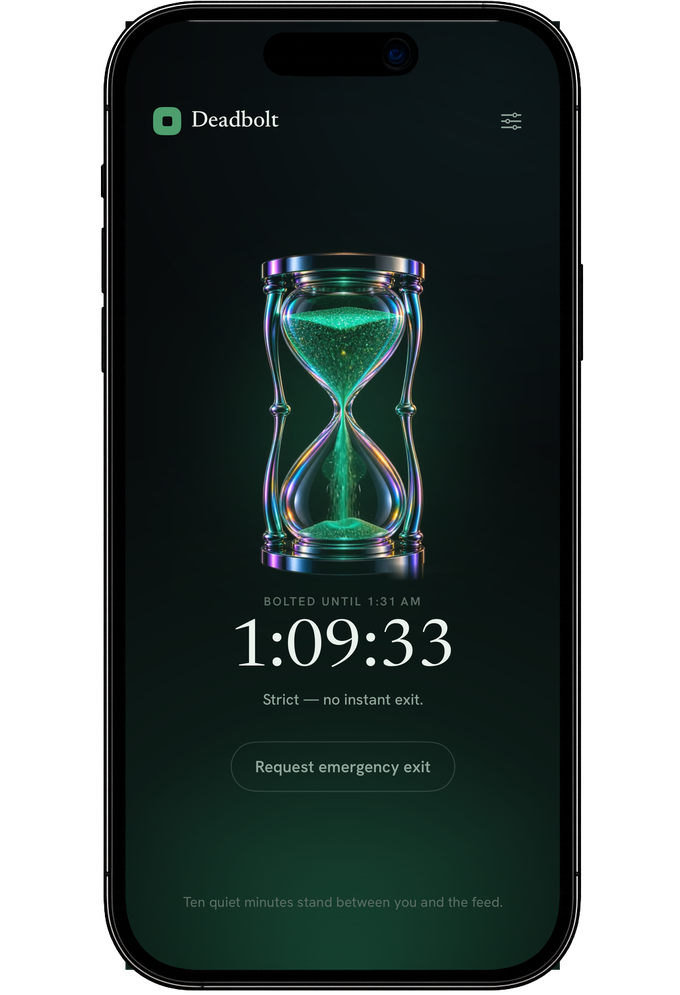
Strict Mode removes the escape hatch. No stopping the session on a whim, no deleting your way out. The version of you who set the timer wins the argument.
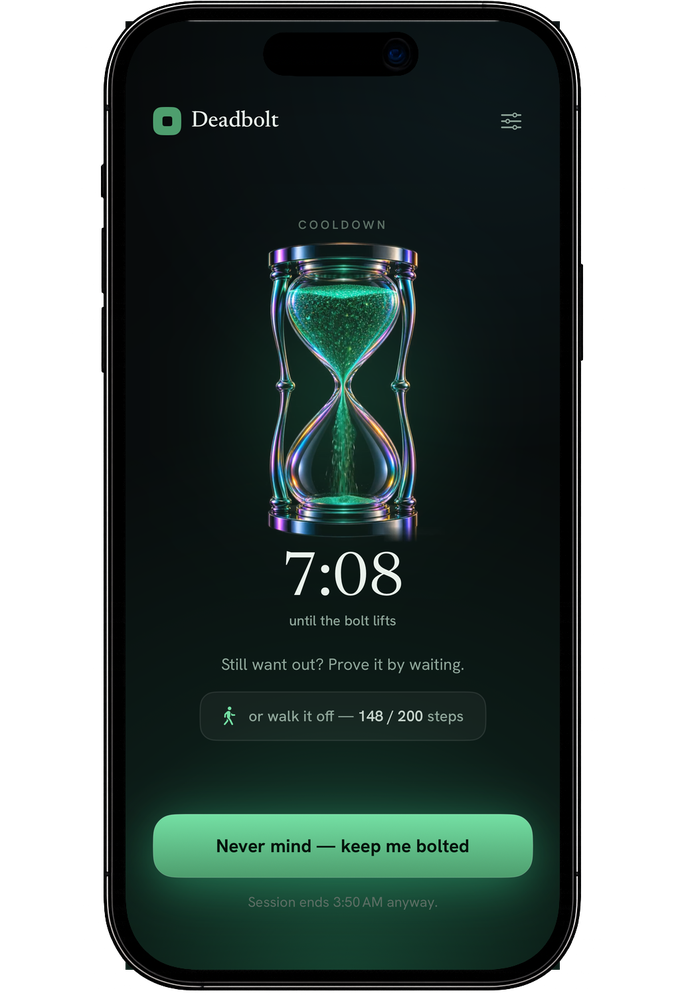
Emergency exit
Sometimes you really need access.
A real way out — gated by friction, not punishment. Ten quiet minutes stand between you and the feed, so the impulse has time to pass.
Walk it off
Earn your way out.
Want out early? Take 200 steps. Stand up, walk the hallway, go outside. By the time you're back, you usually don't want the app any more.
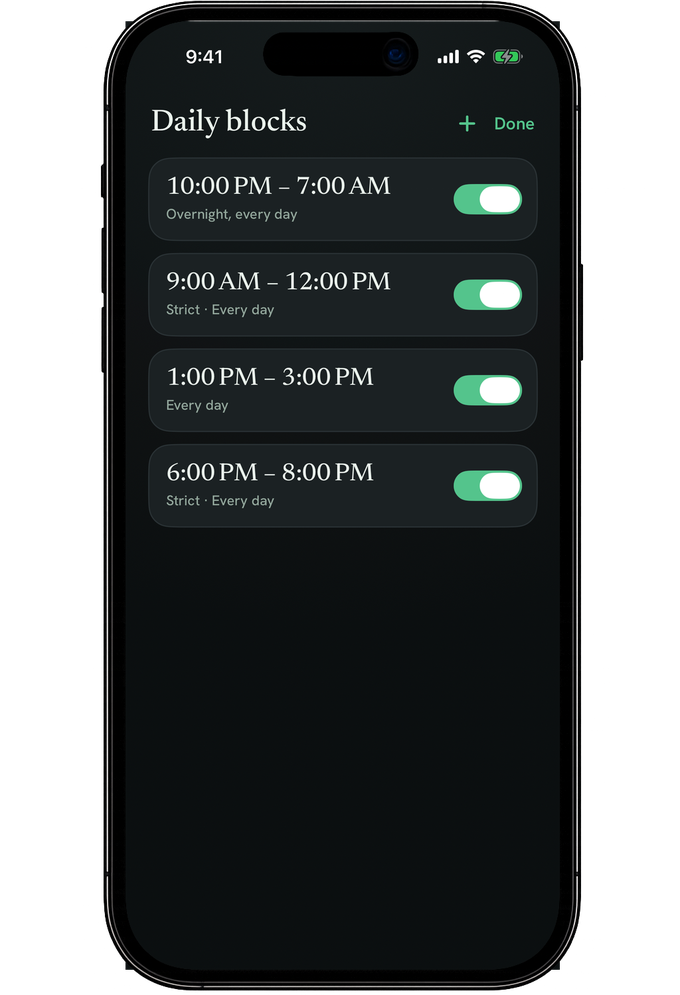
Scheduled blocks
Don't rely on willpower.
Set the hours once — deep work mornings, dinner, overnight — and the bolt throws itself. Willpower is a bad alarm clock.
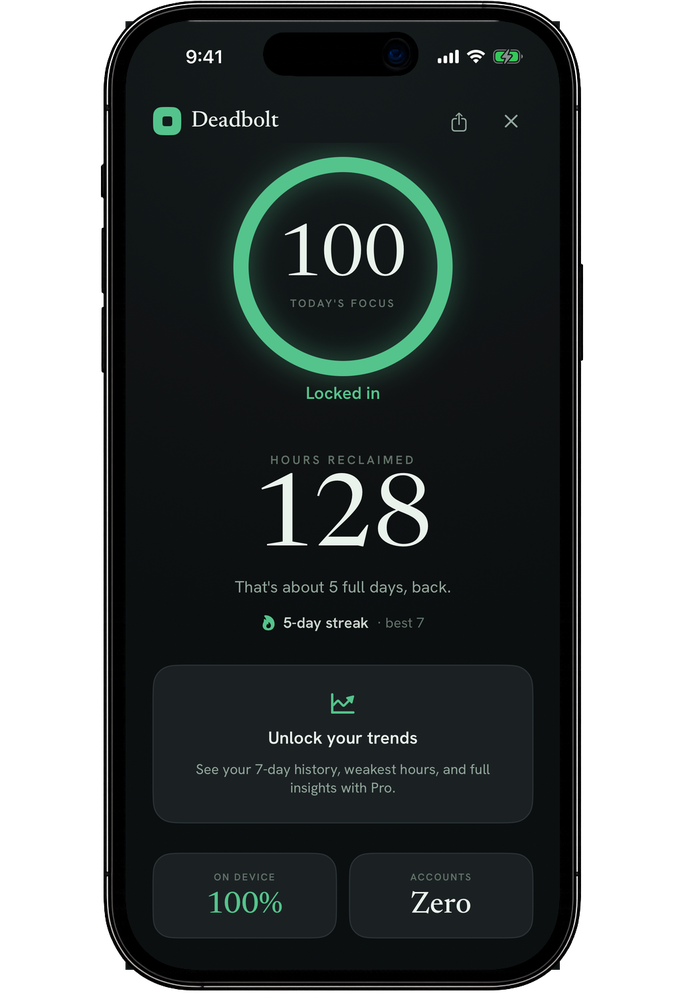
Stats & streaks
See what you got back.
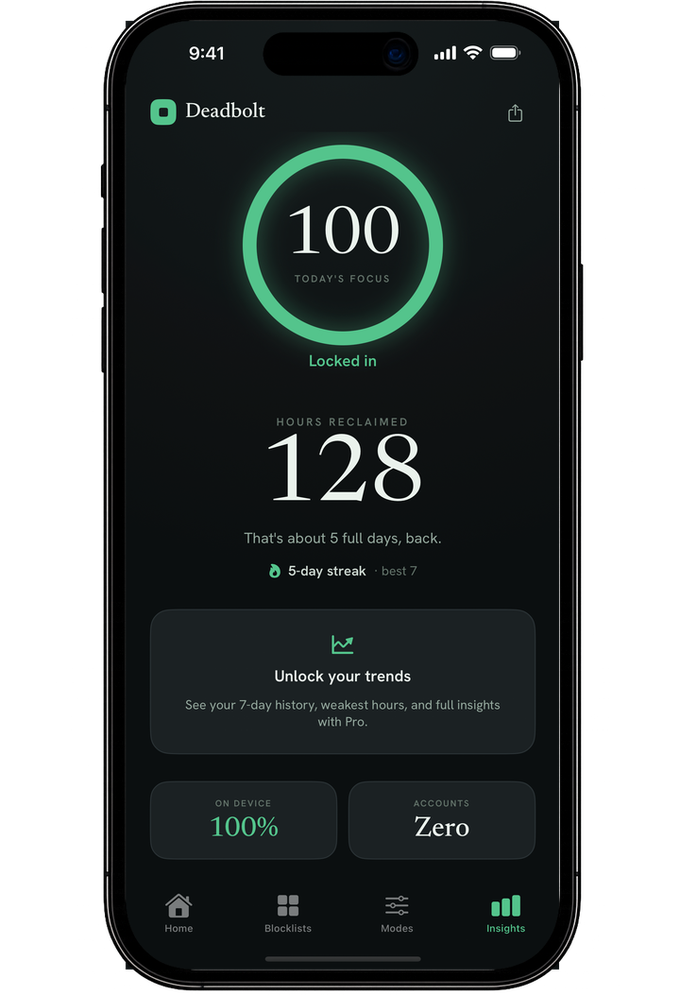
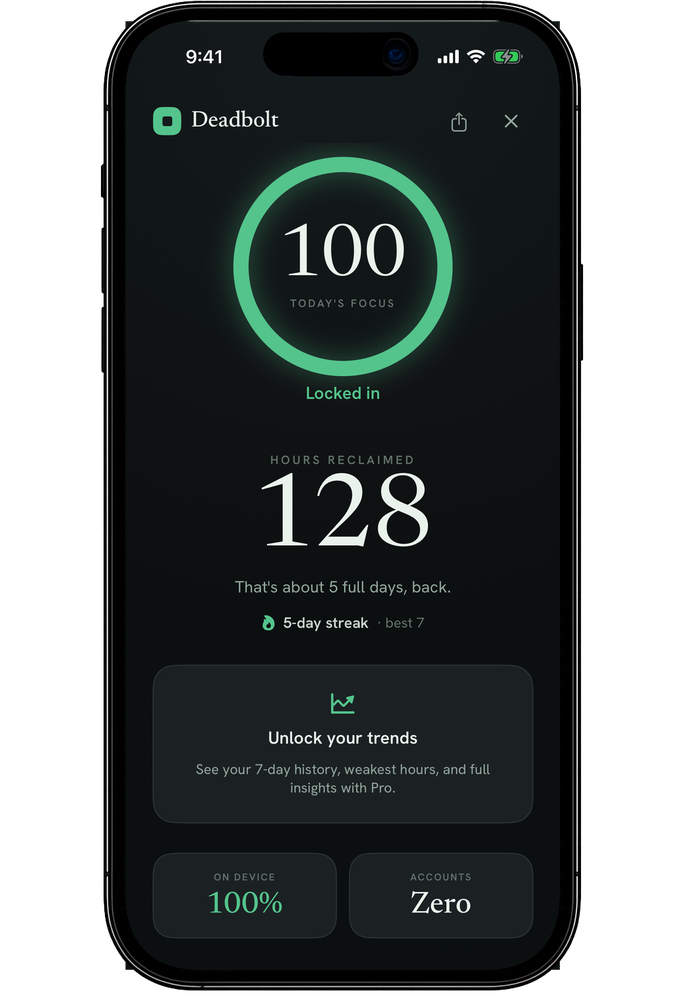
Hours reclaimed, a daily focus score, and a streak worth keeping. Progress you can feel, counted on your phone alone.
Daily limits
Give an app twenty minutes a day. When it's spent, it's spent.
Focus sessions
Deliberate blocks of work with the noise bolted out for the duration.
Always in sight
Live time remaining on the Lock Screen, in a widget, and in the Dynamic Island.
You choose the distraction.
Any app on your iPhone, plus websites in Safari. Lock one thing or forty — Deadbolt doesn't care which habit you're breaking.











sites
App names and icons are trademarks of their owners. Deadbolt isn't affiliated with them.
Pricing
Free to start. Pro when you mean it.
Blocking is free — bolt your apps for 15 minutes, twice a day. Pro adds long sessions, unlimited blocklists, Strict Mode with daily blocks, location locks, and your full focus history.
Yearly
$2.50/mo, billed yearly
$29.99
Monthly
$4.99
Billed when you subscribe. Cancel anytime in Settings.
Privacy
Your attention is yours.
Deadbolt runs on Apple's Screen Time framework, on your device. No account to create. No usage data collected, sold, or shipped to a server — because there is no server.
Questions, answered.
How does Deadbolt block apps?
Through Apple's Screen Time framework. You grant Deadbolt permission once, pick your apps, and iOS hides and blocks them for the length of the session.
Can I block Instagram, TikTok or YouTube?
Yes — any app installed on your iPhone, plus websites in Safari. Save the set as a blocklist and reuse it.
What is Strict Mode?
A session you can't casually cancel. Strict Mode removes the instant-exit button, so ending early means going through the emergency exit instead of changing your mind.
What if I genuinely need an app mid-session?
Use the emergency exit. It's a real way out, gated by a wait — intentional friction rather than punishment.
What is Walk It Off?
An alternative exit that asks for 200 steps instead of a wait. Stand up and move, and the block lifts early — most people don't want the app by the time they're done.
Is Deadbolt free?
Yes — Deadbolt is free to start: bolt your apps for 15 minutes, twice a day, no account. Deadbolt Pro is $4.99/month or $29.99/year and adds long sessions, unlimited blocklists, Strict Mode with daily blocks, location locks, and focus history.
Does Deadbolt collect my data?
No account, no tracking. Your app choices and session history stay on your device.