 Deadbolt
Features
Built to actually
hold.
Most blockers fold the second you tap "ignore." Deadbolt is designed around one idea — make distraction genuinely harder — with the tools to back it up.

Bolt it
Lock the apps that steal your day.
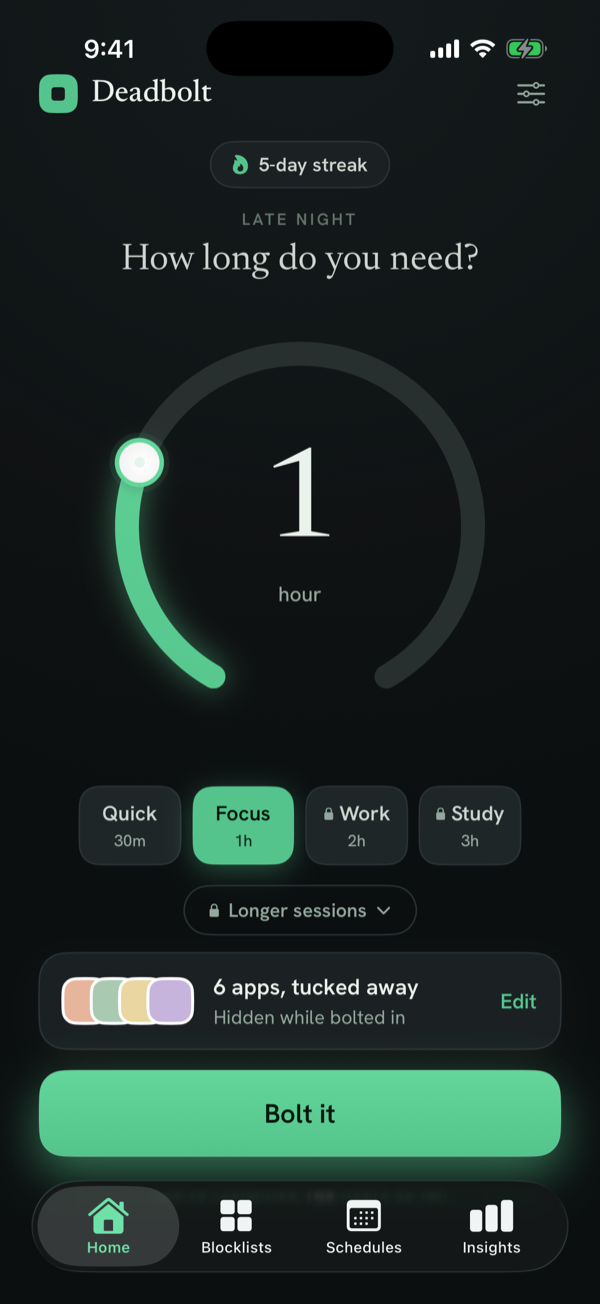
Pick the apps, set a duration on the dial, and bolt them shut. While a session runs, those apps simply won't open.
Save your worst offenders as a blocklist once, then arm them in a single tap.
Strict Mode
No "just five more minutes."
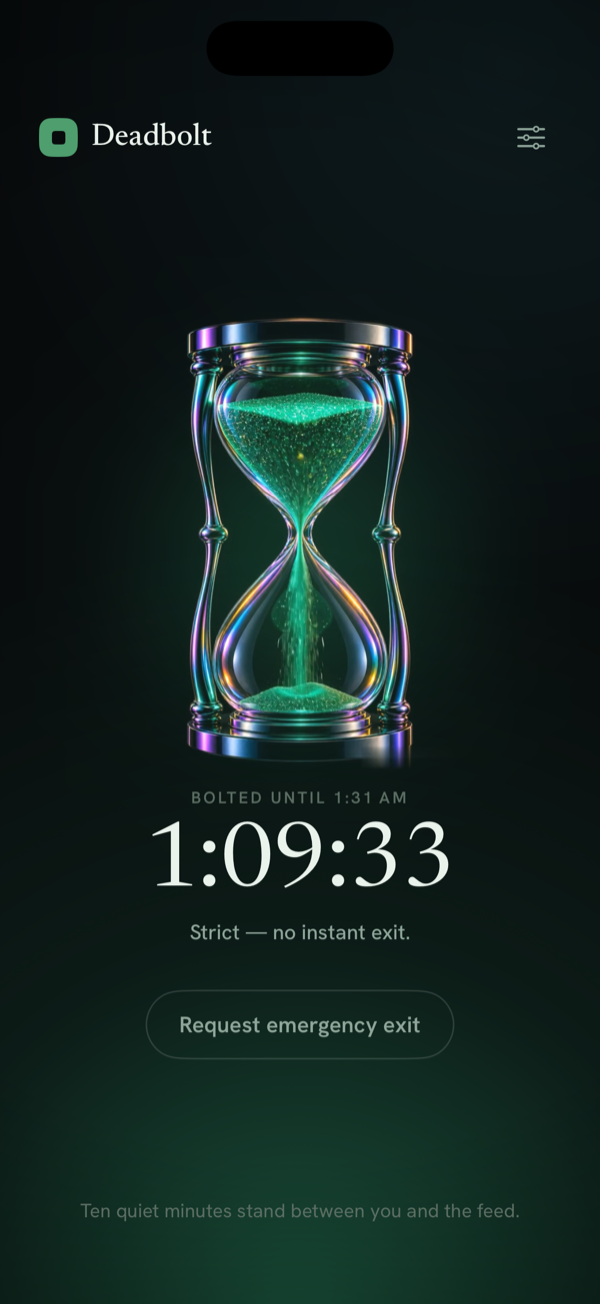
Turn on Strict Mode and there's no instant exit. Leaving early costs a ten-minute cooldown — or 200 steps. Movement, not a tap.
There's still a real emergency exit when you truly need it. It's just never effortless.
Daily schedules
Blocks that run themselves.
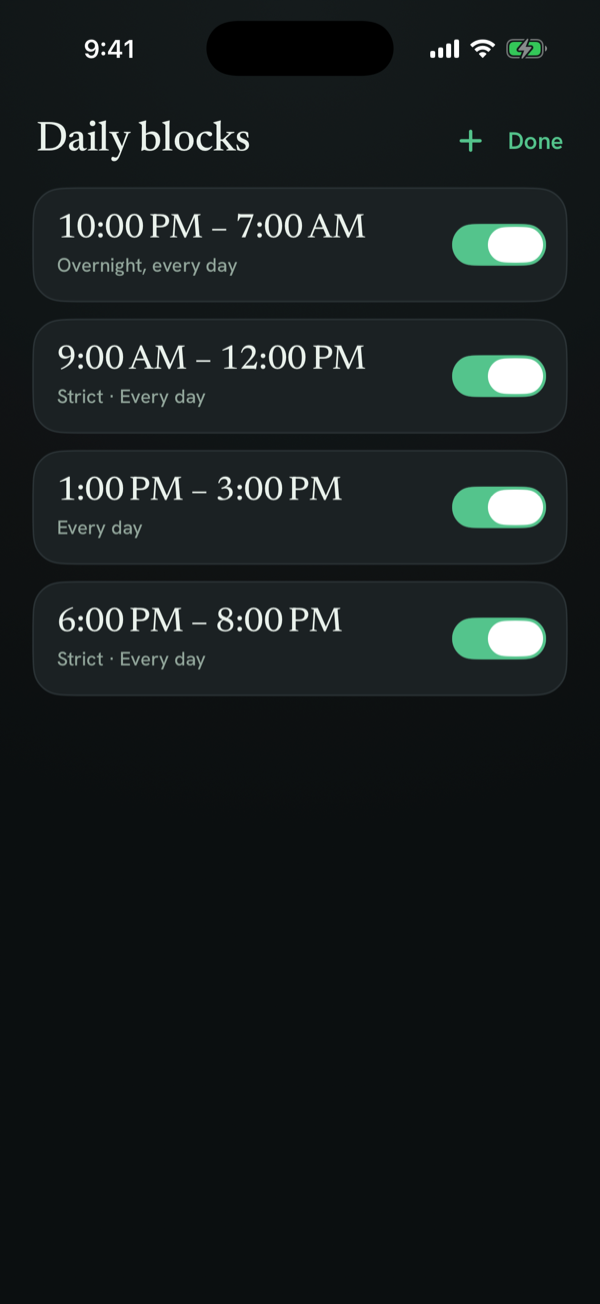
Set a recurring schedule — overnight, deep-work mornings, study blocks — and Deadbolt locks the apps automatically, even when the app is closed.
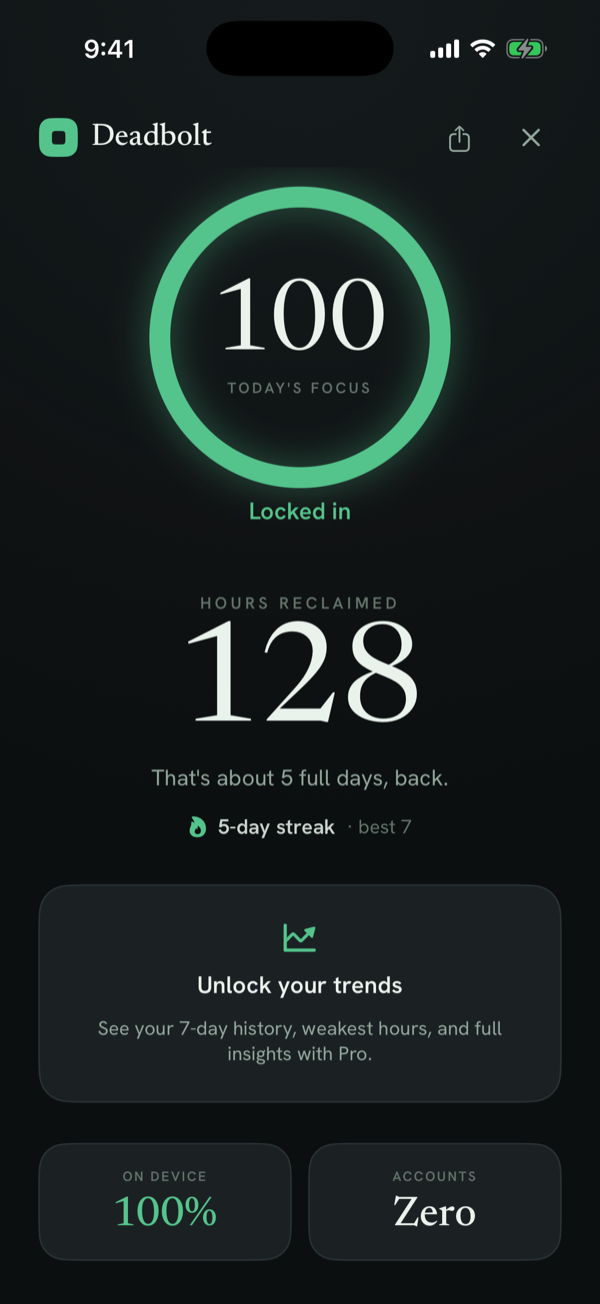
Focus stats
The time you got back, counted.
Hours reclaimed, day streaks, how many times you were turned away, and the exact hour you're weakest — all computed on your device.
No account. No cloud. Accounts: zero.
Also good to know
Private by design
No account, no ads, no tracking. Built on Apple Screen Time.
Speaks 5 languages
English, German, Spanish, French, and Portuguese.
iPhone-native
Fast, lightweight, iOS 17+. Live Activities while a session runs.