 Deadbolt
Guide
How to block TikTok
on iPhone.
The For You page is the most optimized feed ever built, and it does not want you to leave. Here’s how to block TikTok on your iPhone — the soft Screen Time way, and the way that actually holds.

One video turns into an hour. You know it, TikTok knows it, and the algorithm is very good at it. Deadbolt takes the decision out of the moment — bolt TikTok shut ahead of time, and there’s nothing to resist.
Option 1 — Apple’s built-in Screen Time
Free, already on your iPhone, and fine for a soft limit. Here’s the fastest path:
Open Settings → Screen Time.
Tap App Limits → Add Limit.
Choose Entertainment or search for TikTok, then tap Next.
Set a daily limit and tap Add. TikTok warns you when you reach it.
The catch: Screen Time limits are one tap to ignore — "Ignore Limit → Ignore for Today" — so they rarely hold once the craving hits. That’s the whole reason dedicated blockers exist.
Option 2 — Deadbolt (the one that holds)
When "ignore for today" is too easy, bolt TikTok shut for real:
Open Deadbolt and tap Edit on the apps card.
Select TikTok — save it as a blocklist so it’s one tap next time.
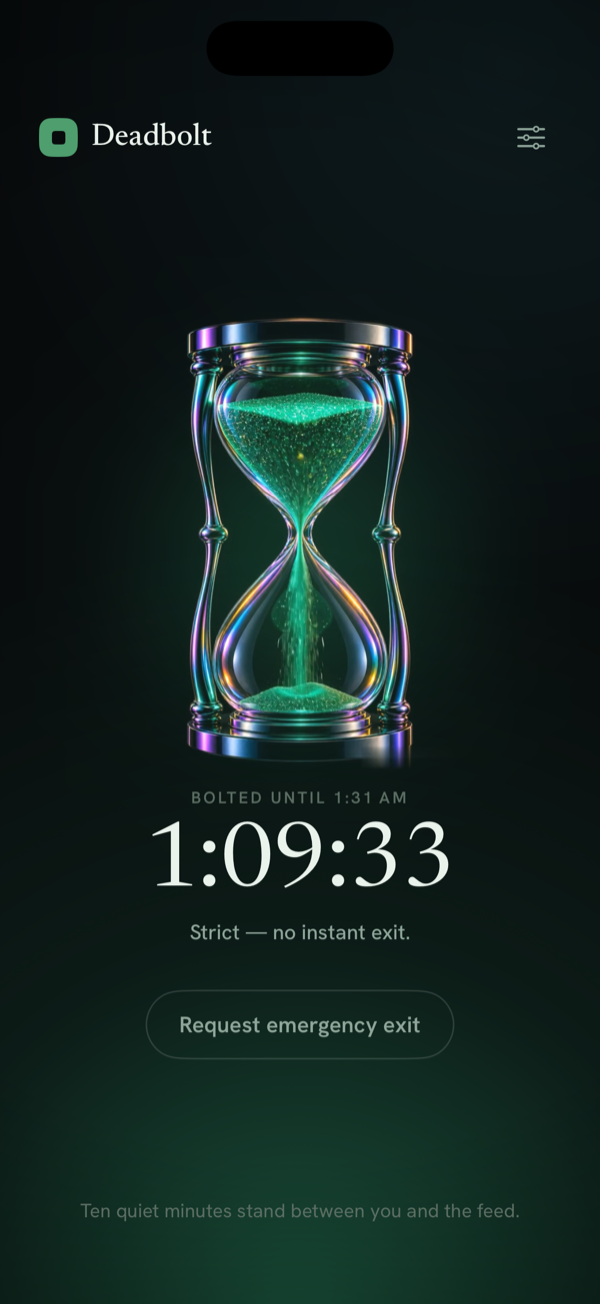
Choose a duration and tap Bolt it. TikTok won’t open until time’s up.
Add a schedule for study or work blocks so it locks automatically.
Switch on Strict Mode so you can’t just tap past it — the exit costs a cooldown or a 200-step walk.
TikTok blocking — FAQ
How do I stop TikTok from sucking me in for hours?
The For You feed is the most optimized feed ever built, so willpower alone rarely wins. The reliable fix is to make the app unavailable during your danger hours — Deadbolt bolts TikTok shut for a set time, or automatically on a schedule.
Can I block TikTok only during work or study?
Yes. Create a recurring daily schedule (e.g. 9am–12pm, strict) and Deadbolt locks TikTok during exactly those hours, every day, even when the app is closed.
Can I stop myself from unlocking it early?
Turn on Strict Mode. There’s no instant exit — leaving early means waiting out a ten-minute cooldown or walking 200 steps, which is usually enough to kill the impulse.
Will this also block TikTok at night?
Set an overnight schedule (say 10pm–7am) and TikTok stays locked while you sleep and first thing in the morning.
Is it free to block TikTok?
Yes — you can bolt TikTok shut for free (up to 15 minutes, twice a day). Longer sessions, Strict Mode and automatic daily schedules are part of Deadbolt Pro ($4.99/mo or $29.99/yr).
Block TikTok for real — tonight.
Free to start. Bolt your first distraction in under a minute.